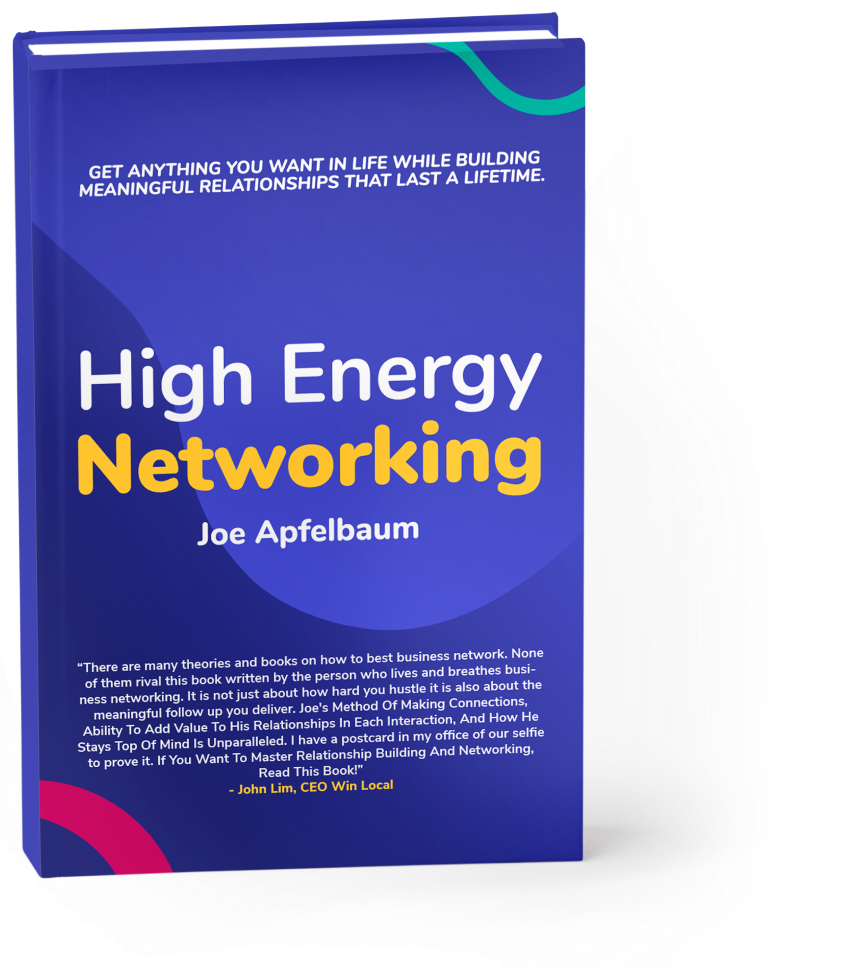
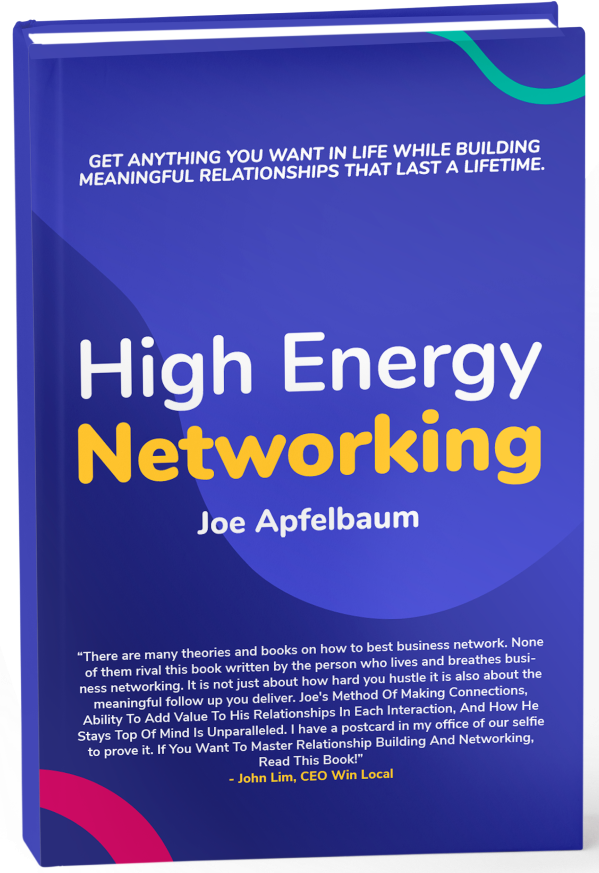
Joe Apfelbaum is the CEO and founder of Ajax Union, a B2B digital marketing agency in Brooklyn, NY.
Joe is a business strategist, LinkedIn expert, and Certified Google Trainer. He enjoys speaking and writing about digital marketing, professional networking, and personal development in his seminars, webinars, and articles.
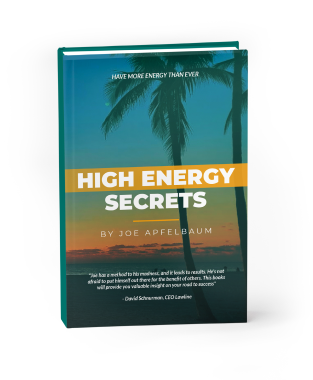
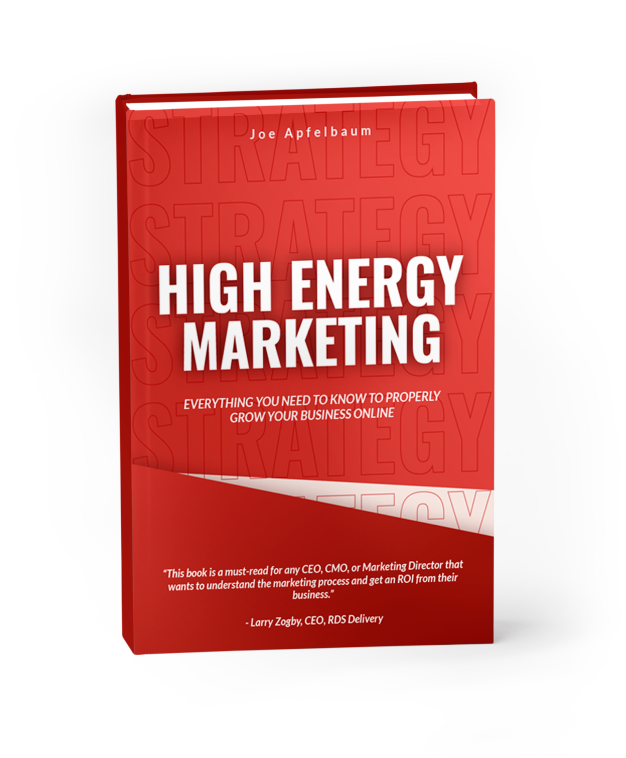
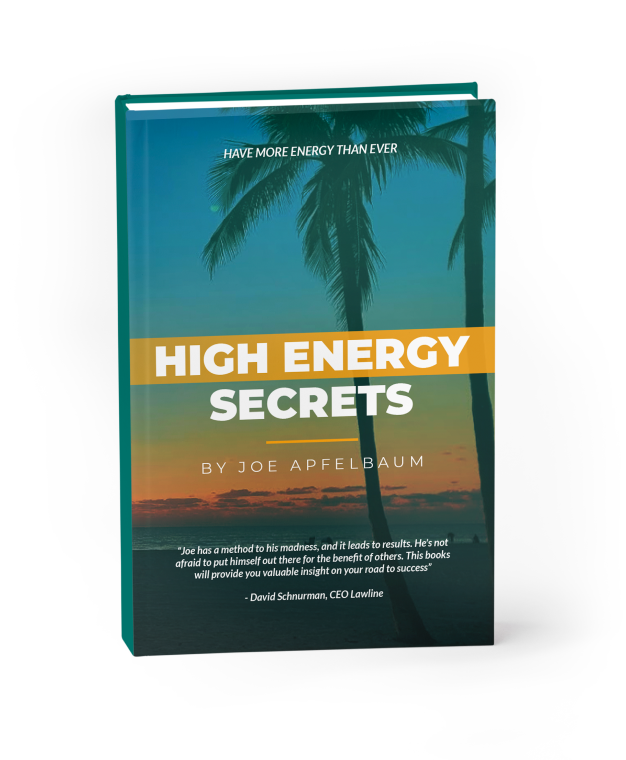
Joe is the author of High Energy Secrets, How To Lose 95 Pounds and Keep it Off, and his latest book, High Energy Marketing. Joe is the host of the popular podcast The Breakthrough Maze where he coaches entrepreneurs on how to go from frustration to ‘Mojovation’; he has also been featured on hundreds of popular podcasts.
Joe Apfelbaum is the CEO and founder of Ajax Union, a B2B digital marketing agency in Brooklyn, NY.
Joe is a business strategist, LinkedIn expert, and Certified Google Trainer. He enjoys speaking and writing about digital marketing, professional networking, and personal development in his seminars, webinars, and articles.
Joe is the author of High Energy Secrets, How To Lose 95 Pounds and Keep it Off, and his latest book, High Energy Marketing. Joe is the host of the popular podcast The Breakthrough Maze where he coaches entrepreneurs on how to go from frustration to ‘Mojovation’; he has also been featured on hundreds of popular podcasts.